
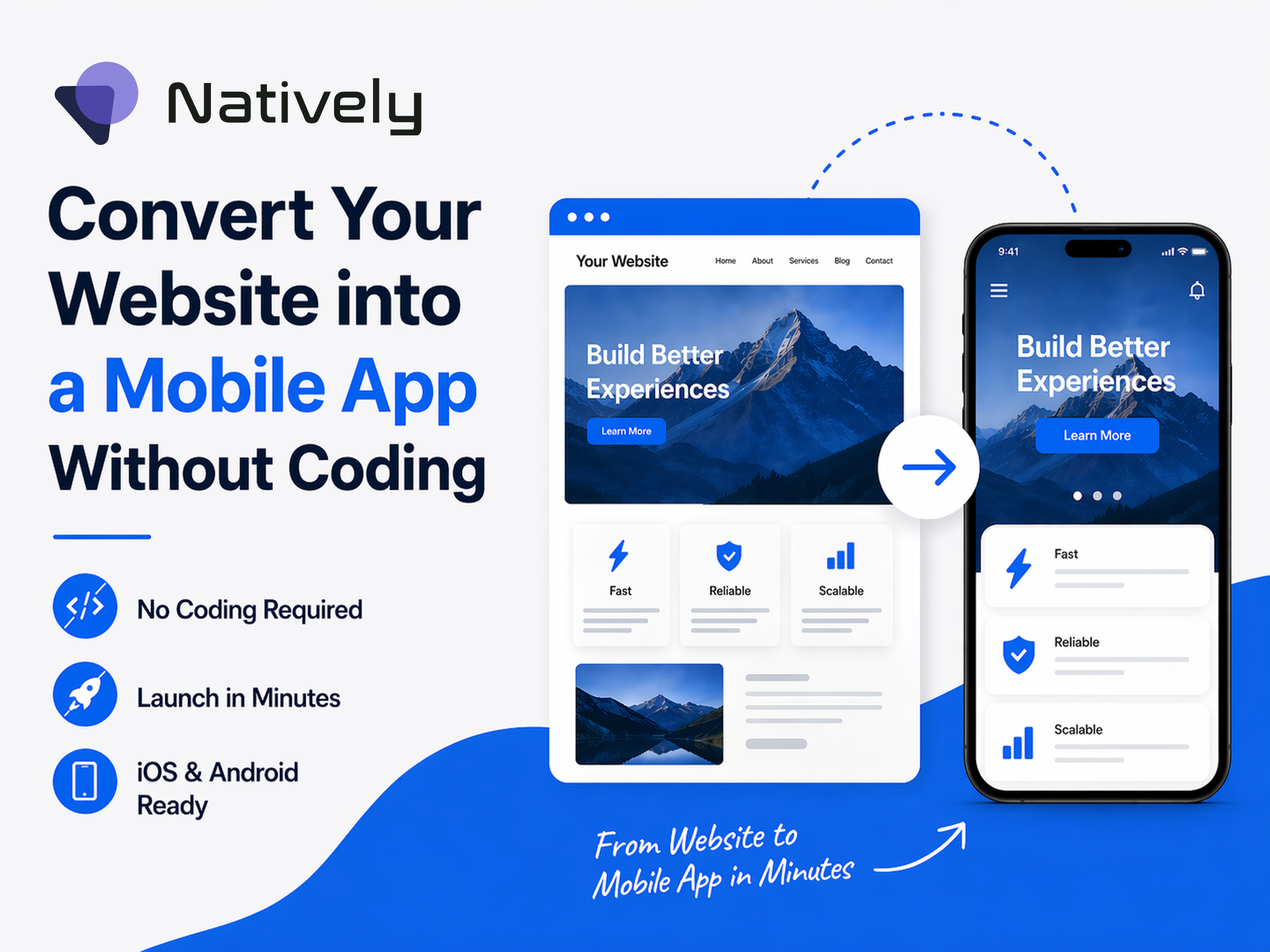
In today's digital era, having a mobile app isn’t just a luxury; it's a must-have for business growth. However, the traditional way is hiring developers, writing tons of source code, and spending thousands of dollars and time, is a barrier for many business owners. Well, what if you want to turn your website into a native mobile app? With BuildNatively.com, a complete powerhouse is designed to bridge the gap between web and mobile seamlessly.
Whether you are running a simple blog or a complex SaaS platform, BuildNatively allows you to convert any website into a fully functional iOS and Android app in minutes.
One Platform, Every Source
With BuildNatively, you just enter your URL. It doesn't matter how you built your website; if it lives on the web, it can instantly convert into a native iOS & Android app. BuildNatively offers specialized support and easy integration for:
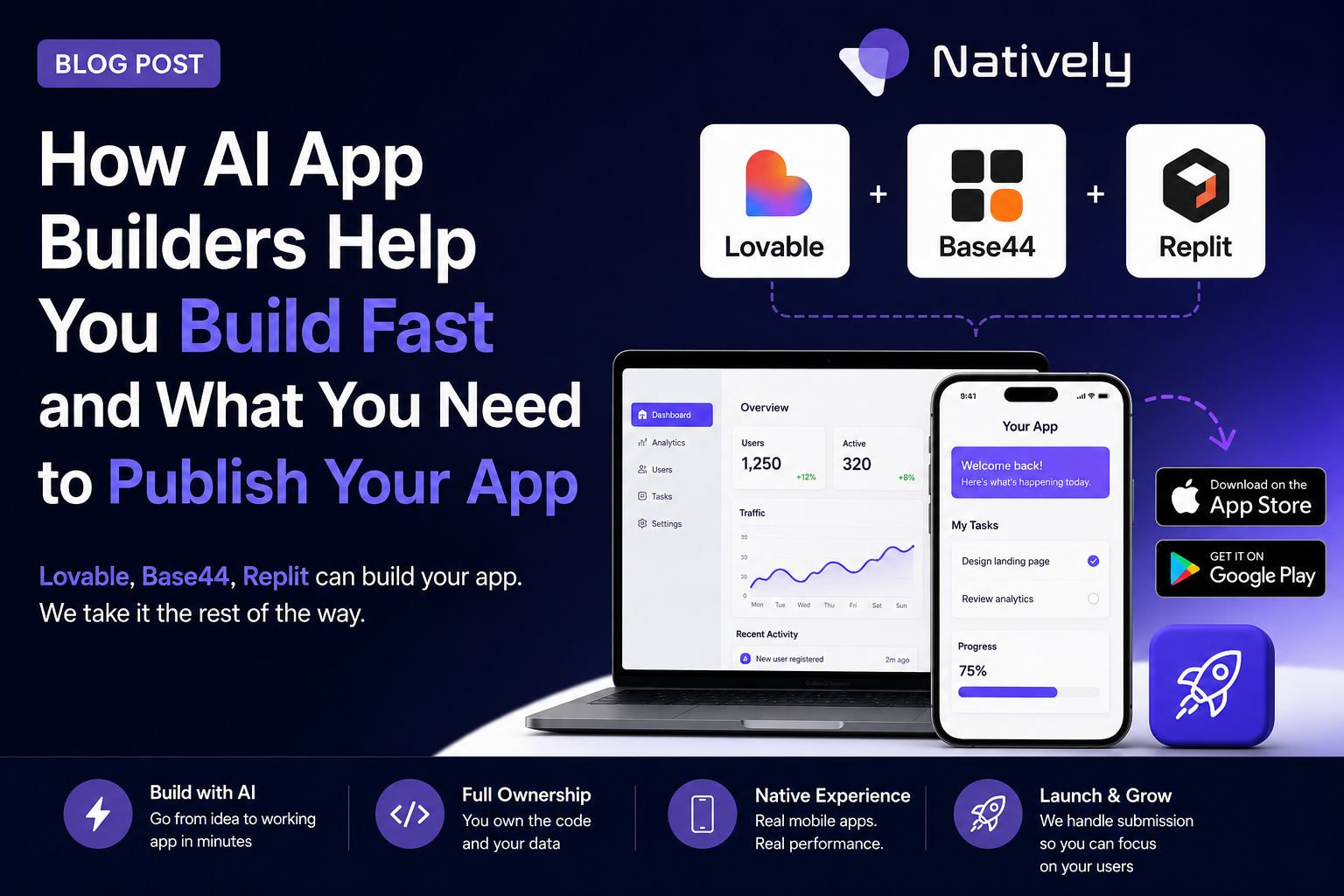
- No-Code AI Builder Like Bubble, Webflow, and Lovable.
- E-commerce Solutions Like Shopify and WooCommerce (WordPress).
- Development Environments: Replit and Base44.
- Custom Builds: Any website or web app can be easily wrapped using their simple JS SDK.
Unlock "True" Native Features
The biggest fear when converting a website to an app is that it will feel like a "simple browser." BuildNatively just eliminates this by providing a robust suite of native functionalities that you can enable with a few clicks.
Core Features Include:
- Interactive Tools: Push Notifications (via OneSignal), Deeplinks, and Social Auth (Google, Apple, Facebook).
- Integrationс: Full access to the Camera, Photo Library, NFC, and QR/Barcode scanners.
- Pro-Level Features:
- HealthKit (iOS): Sync fitness and health data directly to your app.
- Geolocations: Enable precise background and foreground tracking for delivery or map-based apps.
- In-App Purchases: Monetize seamlessly via RevenueCat integration.
- Native Audio: Use the Native Audio Player and Audio Recorder for high-quality media experiences.
- User Experience: Custom Bottom Bars, Biometric Auth (FaceID/TouchID), and Service Worker support for improved performance.
Need something unique, custom features?
If your project requires a specific feature that is not listed, BuildNatively offers custom feature development/integrations, ensuring your app is never limited by the platform.
How to convert your website into a Mobile App?
Turning your website into a mobile app with BuildNatively is quick and simple, made for everyone who wants to skip the complicated setup of Xcode or Android Studio.
Here is the step-by-step guide to turning your URL into a live app on the App Store and Google Play Store.
Step 1: Initial Setup and URL Connection
- Create an Account: Go to buildnatively.com and sign up for a free account.
- Create New Project: Click the "Create New App" button.
- Enter Your URL: Provide the primary URL of your website (e.g., https://yourdomain.com).
- Tip: Ensure your website is mobile-responsive before starting, as this is what users will see inside the native shell.
Step 2: Branding and App Identity
- App Name: Enter the name exactly as you want it to appear under the icon on a user's home screen.
- Upload Assets:
- App Icon: Upload a high-resolution square image (usually 1024x1024 px).
- Splash Screen: This is the loading screen users see when the app opens.
- Choose Platforms: Select whether you want to build for iOS, Android, or both.
Step 3: Configure Native Features
This is where you turn a "website" into a "native app." In the BuildNatively dashboard, toggle on the features you need:
- Navigation: Enable the Bottom Bar for a native feel.
- Push Notifications: Connect your OneSignal account to send alerts.
- Hardware Access: Toggle permissions for the Camera, Geolocation, or NFC if your app requires them.
- Auth & Payments: If you have a shop, enable In-App Purchases (RevenueCat) and Social Auth for easy logins.
Step 4: Technical Preview and Testing
- Download the Preview App: Use the "Natively Preview" app (available on Apple App Store for iOS or as an APK for Android).
- Scan the QR Code: BuildNatively provides a QR code in your dashboard. Scan it to see your live website running as a mobile app.
- Debug: Test your native features (like the camera or notifications) to ensure they trigger correctly from your web buttons.
Step 5: Build and Distribution
- Run the Build: Once you are satisfied with the preview, click "Build App." BuildNatively’s cloud servers will automatically submit your iOS app to Apple TestFlight and create a .aab or .apk (Android) files.
- App Submission Data: Fill out your metadata description, keywords, and screenshots.
- Submission: Submit your iOS app to Apple TestFlight directly from the platform; create an APK file, ready for Android Submission
- Recommended: Use Natively’s Concierge Service or automated submission tool to have them handle the technical uploading and "Release Guarantee" process.
Why BuildNatively Redefines the Market?
BuildNatively apart from its competitors due to the quality of the wrapper itself i.e that encloses your web app code and turns it into a fully native mobile app. While many "web-to-app" converters produce slow, buggy wrappers that get rejected by Apple’s strict Review Guidelines, BuildNatively uses a high-performance engine optimized for speed and stability.
Most platforms provide a "set it and forget it" tool, but BuildNatively provides a partnership and offers:
- Direct App Store Submission: We handle the technical headache of getting your binary onto App Store Connect.
- Live Sync: Any update you make to your website is reflected in the app instantly, no need to submit a new version for every small change.
- No Developer Credentials Sharing: Their secure process means you don't have to hand over your private account passwords.
Conclusion:
In a market full of basic app engines, BuildNatively stands out by focusing on a truly native experience. It isn't just about putting your URL in a box; it’s about giving your web project the "soul" of a mobile app, with haptic feedback, deep hardware integration, and a smooth UI.
By choosing BuildNatively, you not only save thousands on development costs, but you also gain a scalable, professional mobile app presence that stays in perfect sync with your web business. It is the bridge between "having a website" and "owning the App."