

I Tried the Most Popular AI App Builders - Here's What Actually Happens After You Build
So you've been hearing about these AI tools that you can build apps without writing a single line of code. Lovable, Base44, Replit - everyone's talking about them. and honestly, They're very impressive. I've spent some time with all three and yes, you really can go from an idea to a working app in a very small time.
But here's the thing nobody talks about loudly enough: what happens after the app is built?
That's where most people get stuck. And that's exactly what this post is about - walking you through each major AI builder, what they're good at, where they stop, and why BuildNatively.com is the missing piece that takes your AI-built app all the way to a real, published app on the App Store or Google Play.
Let's get into it.
First, Why Are AI App Builders Such a Big Deal Right Now?
A couple of years ago, if you had an app idea, you had two choices: learn to code (which takes months or years), or hire a developer (which costs thousands of dollars). Neither option was easy for most people.
AI builders changed that. Now a small business owner, student, solopreneur, or literally anyone with a clear idea can describe what they want and watch it come to life. That's not an exaggeration - it's happening every day.
But "coming to life" on an AI builder screen and "being on someone's phone from the App Store" are two very different things. Let's look at the tools people are using first.
1. Lovable - The One That Feels Like Magic
If you haven't tried Lovable yet, it's one of the most talked-about AI app builders right now and for good reason.
What Is Lovable?
Lovable is an AI-powered tool that lets you simply describe an app in plain English and it builds the frontend for you. It's particularly good at building clean, modern-looking web apps very quickly.
How It Works - Step by Step Guide
- Step 1: Describe your idea. You just type something like "I want a daily routine tracker app where users can add daily goals and mark them complete." That's it. No technical language needed.
- Step 2: Watch it build. Lovable generates the code, the UI layout, the buttons, the forms - everything visible. You can see a live preview in real time.
- Step 3: Edit visually or by chatting. Don't like the color scheme? Want to add a login screen? Just ask for it. Lovable adjusts based on your feedback like a conversation.
- Step 4: Connect a backend if needed. Lovable integrates with tools like Supabase to add things like user accounts and data storage. It walks you through the connection.
- Step 5: Export or deploy. You can share a preview link or deploy your project. The code is yours to take.
Where Lovable Shines
Lovable is genuinely excellent for web apps. If your goal is a browser-based tool, a dashboard, a SaaS product, a simple internal tool. It's hard to beat for speed. The output looks good and the code is reasonably clean.
Where It Stops
Lovable is just a web app builder. If you want a native mobile app, where users can download it from the App Store or Google Play, with notifications, offline access, and the feel of a real app on their phone. Lovable isn't designed for that. You'll hit a snag pretty fast.
That's not a criticism. It's just the truth about what it's built for.
2. Base44 - The All-in-One Business App Builder
Base44 came onto the scene as a more complete solution with not just the frontend, but the whole app — including the database, logic, and user management.
What Is Base44?
Base44 describes itself as a full-stack AI app builder. Instead of just generating the interface, it builds the entire application including where data lives, how it flows and how users interact with it. It's aimed at people who want business apps like CRMs, project management tools, internal portals, booking systems.
How It Works - Step by Step Guide
- Step 1: Start with your use case. You simply tell Base44 what kind of app you need. It's particularly good at recognizing business patterns like "I need a client management system where I can log notes after every call" is the kind of prompt it understands very well.
- Step 2: It generates the whole stack. Base44 builds all of it together including pages, forms, data tables, and user roles, so it actually works as a complete system, not just an interface.
- Step 3: Customize the logic. You can adjust your business rules like add fields, change workflows, all through a visual interface or by describing changes in plain English.
- Step 4: Add integrations. Base44 supports connecting things like email, Stripe for payments and other services through built-in integrations.
- Step 5: Publish as a web app. Your app goes live on a Base44 subdomain or your own custom domain.
Where Base44 Shines
If you're building a business tool for your team or clients and will be used in a browser, Base44 is remarkably capable. The fact that the database is already set up and connected makes it genuinely useful immediately. You can build something real fast.
Where It Stops
Again, this is a web-first platform. The app lives in a browser. If you want to list it on the App Store, send push notifications to users or have it work smoothly offline the way native apps do, Base44 doesn't take you there. You'd need to figure out that next step separately.
3. Replit - The Coder's AI Playground
Replit is a bit different from both Lovable and Base44. It started as a cloud-based coding environment before expanding heavily into AI-assisted development.
What Is Replit?
Replit is a browser-based coding platform with a built-in AI assistant (Replit Agent) that can build apps for you from a description. Unlike Lovable and Base44, Replit gives you much more visibility into the actual code and much more flexibility because of it. It supports dozens of programming languages and frameworks.
How It Works - Step by Step Guide
- Step 1: Open “Create something new” at Replit and describe what you want. You can start with a template or describe your app from scratch. Replit Agent reads your prompt and starts building.
- Step 2: It writes real code. Unlike purely visual builders, you're looking at actual files and code. This is more powerful but also means there's a steeper curve if something goes wrong.
- Step 3: Preview in the browser. As the app is built, you can preview it live. You'll see it running in real time.
- Step 4: Iterate through chat. Ask the AI to add features, fix bugs or make changes. It modifies the code and re-runs the app.
- Step 5: Deploy with Replit. Replit has a built-in deployment option so your app is live on the web with a few clicks.
Where Replit Shines
If you're comfortable seeing code or want to learn while building. Replit gives you more control than the other tools. It's also extremely flexible: you can build almost any kind of web app or API here. Developers use it but also non-coders who are willing to work through some complexity.
Where It Stops
Replit's strength is also its challenge for complete beginners. And when it comes to publishing a native mobile app not a mobile website, Replit gets you to the web not to the App Store. The gap between "running on Replit" and "downloadable from the App Store" is bigger than it looks.
The Gap Nobody Talks About - From AI Builder to Real App
Here's the honest picture after using all three tools:
They're all genuinely good at what they do. They can build impressive apps, save enormous time and make the impossible feel possible. But there's a consistent stopping point:
Every one of these tools builds for the web. Not for mobile app stores.
And this matters more than people realize because:
- Your users expect a real app they can find on the App Store or Google Play Store.
- Native apps feel smoother and more professional than mobile websites.
- Push notifications (which drive engagement) only work properly in native apps.
- The App Store is where people discover and trust apps.
- Many businesses and investors take you more seriously when you have a real app listing
So what do people do? Most people either get stuck, try to figure out the app store submission process themselves (which is genuinely complicated), or hire someone expensive to handle it.
That's where BuildNatively.com fits in and it's a pretty elegant solution to an annoying problem.
BuildNatively.com - The Final Step That Ships Your App
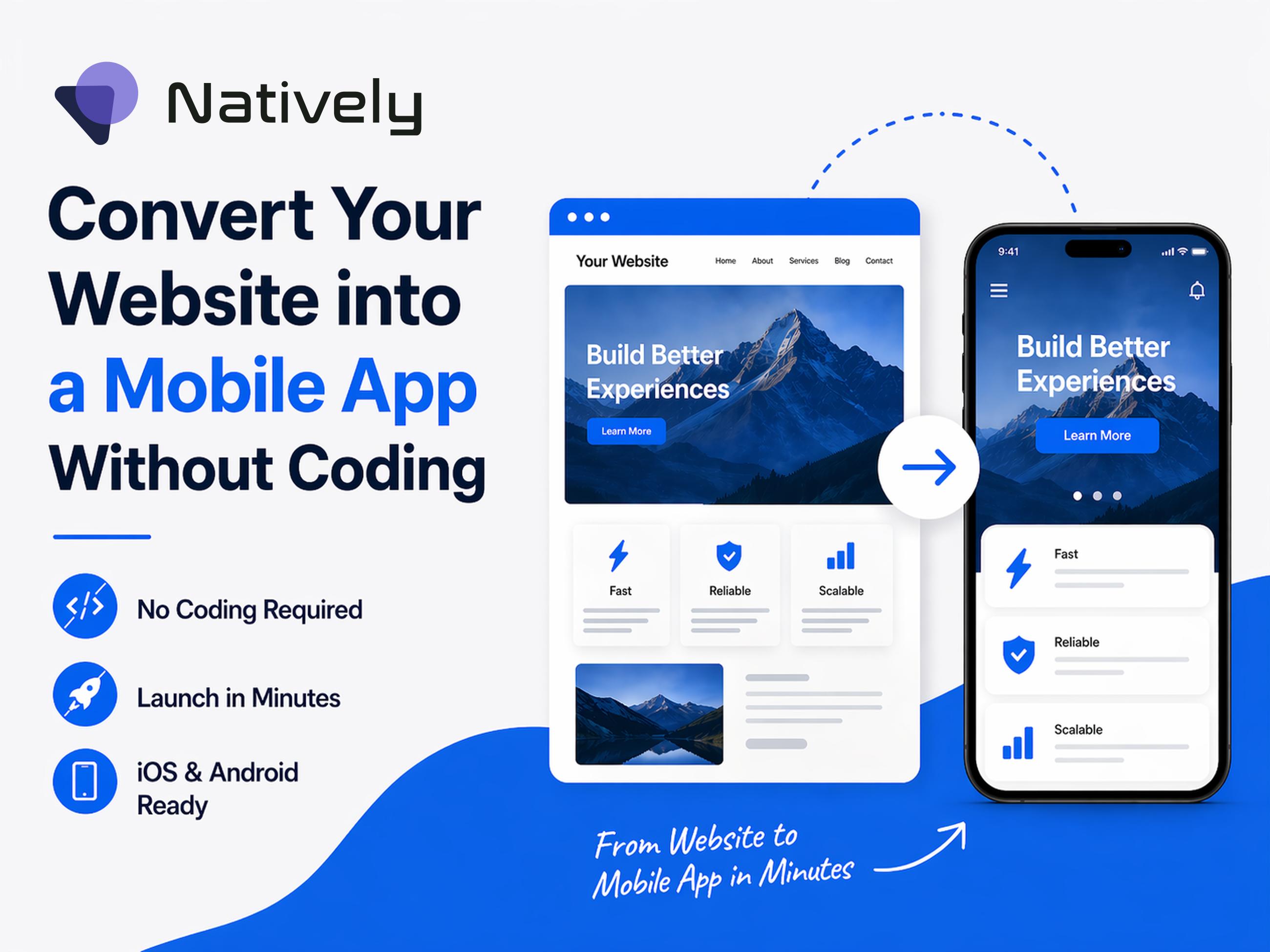
BuildNatively.com isn't trying to compete with Lovable, Base44, or Replit. It does something different entirely. It takes the web app you've already built with those tools and wraps it into a proper native mobile app then handles the process of getting it published to the App Store and Google Play Store.
Think of it this way: Lovable, Base44, and Replit are where you build the car. is what puts it on the road and makes it ready to drive. BuildNatively.com
What Is BuildNatively.com?
BuildNatively.com is a service that takes your existing web application and converts it into a native mobile app using a process called wrapping. It packages your web app inside a proper native shell so it behaves like a real iOS or Android app with the right icons, splash screens, permissions and technical setup that Apple and Google require.
More importantly, BuildNatively.com doesn't just hand you a file and say "good luck." It handles the submission and publishing process, walking you through the App Store Connect and Google Play Console requirements.
How BuildNatively.com Works - Step by Step Guide
Here's what the process looks like when you bring your AI-built app to BuildNatively.com:
- Step 1: Submit your web app URL. Take the live URL of your app whether it was built on Lovable, Base44, Replit, or any other tool and bring it to BuildNatively.com. That's the starting point.
- Step 2: Provide your branding details. This includes your app name, icon, splash screen design and color preferences. The BuildNatively.com uses these to make the app look native and polished rather than like a website in a frame.
- Step 3: BuildNatively wraps your app. They package your web app into a proper native container of iOS for Apple devices, Android for Google Play devices. This is the technical step where your web app becomes an actual .ipa or .apk file ready for submission.
- Step 4: Handle the app store requirements. This is where most solo builders get stuck. Both Apple and Google have strict requirements around screenshots, descriptions, privacy policies, permissions declarations and more. BuildNatively.com knows these requirements and helps you meet them properly.
- Step 5: Submit for review. The app is submitted to the App Store and/or Google Play Store. Both platforms have a review process, with Apple's typically being more thorough and taking a few days. supports you through this so you're not guessing at what reviewers want.
BuildNatively.com - Step 6: Your app goes live. Once approved, your app is searchable on the App Store and Google Play Store. Real users can find it, download it and use it just like any other app.
What BuildNatively.com Gets Right
The biggest thing BuildNatively.com gets right is that it understands its users. These are people who built something real using an AI tool, who have a product they believe in, but who don't have the technical background to navigate app store submission alone.
The app store process is genuinely complicated. Apple's App Store Connect interface, developer account setup, certificate management, provisioning profiles. These aren't things a non-technical person should have to learn from scratch. BuildNatively.com removes that learning curve.
There's also the matter of rejection handling. Apps get rejected by Apple and Google for various reasons. Sometimes because of policy language in your description, sometimes because a feature needs a specific permission declaration. Having someone who knows the patterns of these rejections saves an enormous amount of time.
Who Is BuildNatively.com For?
BuildNatively.com is genuinely useful for:
- Solo founders who built their web app with an AI tool and want a real app store presence without hiring a development agency
- Small businesses that have a web app or booking system and want to offer customers a "download our app" option
- Freelancers who build web apps for clients using AI tools and want a reliable publishing partner for the final step
- Non-technical creators who have used Lovable, Base44 or Replit to build something and are now stuck at the finish line
Putting It All Together - The Full AI to App-Store Workflow
Here's how you'd actually go from idea to published app using these tools together:
Phase 1 - Build your app with an AI builder
Choose based on your needs:
- Use Lovable if you want a beautiful, modern web app built fast with great design output
- Use Base44 if you're building a business tool with data, users, and workflows
- Use Replit if you want more control, flexibility or are comfortable seeing and editing code
Phase 2 - Make sure your app is live on the web
Before going to BuildNatively.com, your app needs to be deployed and accessible at a real URL. All three AI builders give you a way to do this by taking that URL.
Phase 3 - Go to BuildNatively.com
Go to BuildNatively.com with your live URL and your branding assets. Work through their process to get your app wrapped and submitted. This is where the web app becomes a real mobile app.
Phase 4 - Wait for app store approval and go live
Once approved, you have an actual listing. Share it. Market it. Send people the App Store link.
A Few Honest Things to Keep in Mind
Before you go off building, a few things worth knowing:
Your app needs to work well on mobile screens first. Since BuildNatively.com wraps your web app, if your Lovable or Base44 app doesn't look good on a phone screen the native app won't magically fix that. Make sure your web app is responsive before wrapping.
Some features work differently in wrapped apps. Things like camera access, push notifications and GPS can work in WebView apps but may need specific configuration. Check with BuildNatively.com about what's supported for your use case.
Apple developer accounts cost $99/year. Google Play Store is a one-time $25 fee. These are costs you'll need to budget for because they're not included in any AI builder subscription.
The app store review process takes time. Apple in particular can take anywhere from 24 hours to a week for review. Plan your launch timeline with this in mind.
Final Thoughts
The combination of AI app builders and a service like BuildNatively.com represents something genuinely new in the world of apps. You no longer need to be a developer or have a big budget to take an app idea all the way to the App Store.
Lovable, Base44 and Replit have made building the app the easy part. BuildNatively.com makes publishing the app almost as straightforward.
If you've been sitting on an app idea or you've already built something with an AI tool and gotten stuck on "okay, now what?" the path forward is clearer than it probably felt before.
Build it. Deploy it. Wrap it. Publish it.
The whole journey is now accessible to pretty much anyone willing to put in the time and that's a genuinely exciting thing.